
Review a Client's Completed Activity
Once a client finishes an activity, you can open their responses and leave feedback right alongside them.
- Open the client's profile and select the Activities tab.
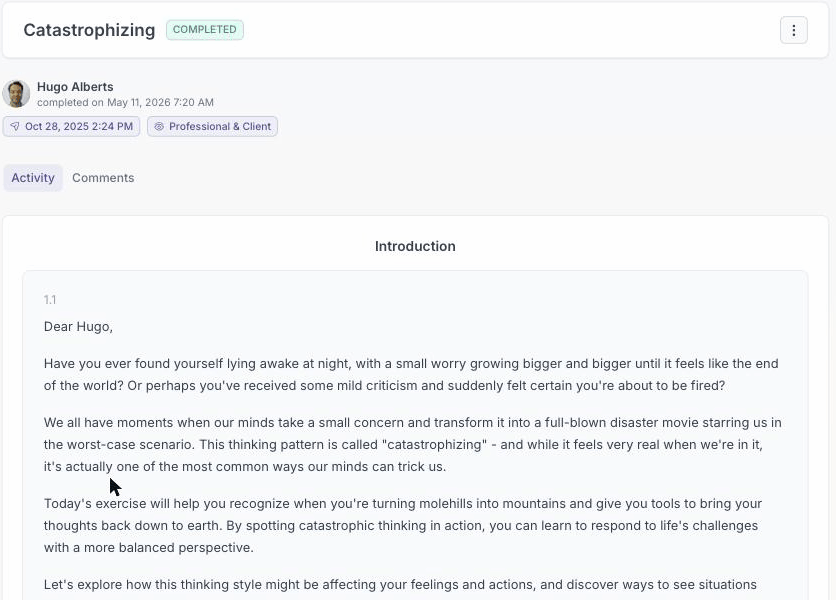
- Find the activity marked Completed and open it.
- Review the client's responses.
- Switch to the Comments tab and add your feedback so the client can reply. The Allow client comments toggle controls whether they can comment back.
You can also export the completed activity as a PDF for your records.
A note on edits: you cannot reopen a completed activity for the client, but the client can edit their own completed activity at any time. When they do, you get a notification so you can review what changed.