
Automatically Send Activities and Programs to New Group Members
By default, when you add someone to a group they do not automatically get the activities and programs the group already holds. Flip one setting and the group keeps new members caught up for you. It is off by default, so existing groups behave exactly as before.
Turn on automatic sending
- Open the group and select the Settings tab.
- Under Assignments, turn on Automatically assign previously sent activities and programs to new members.
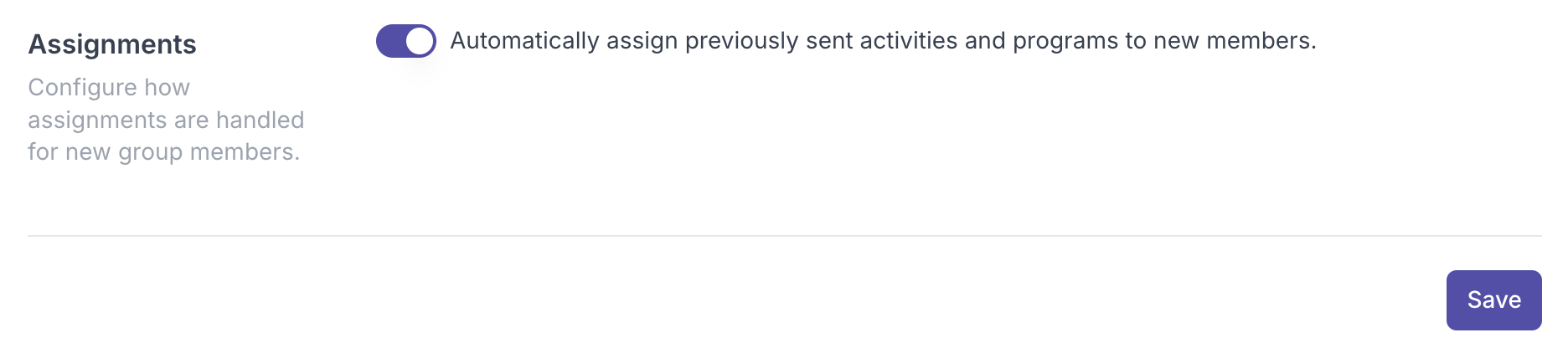
- Save your changes.
From now on, everything already in the group is sent automatically to anyone you add, so people who join later are brought up to speed with no manual work. People who were already in the group before you turned it on are not affected.
Prefer to choose manually?
If you would rather pick exactly what each new member receives, leave the setting off and send items by hand:
- Open the group and go to the Activities or Programs tab.
- Find the activity or program, open its ... menu, and choose Manage members.
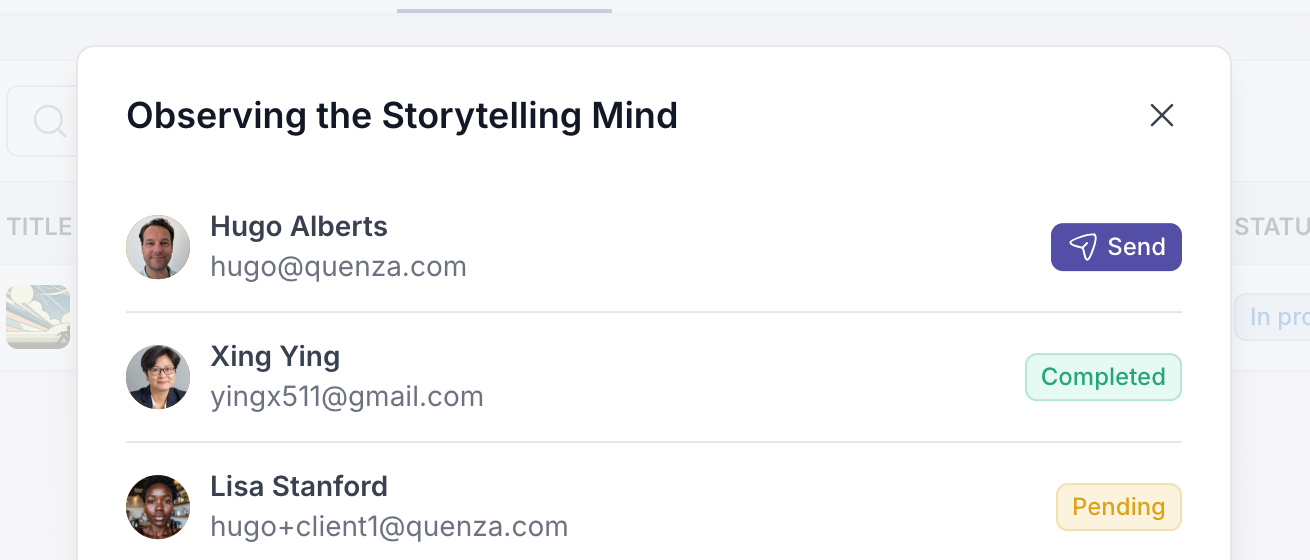
- Add the member so they receive that item.
Use the setting for hands-off catch-up, or the manual route when you would rather curate.