
Edit Your Client Profile
Your profile is what your professional sees about you, and you can keep it up to date in a moment.
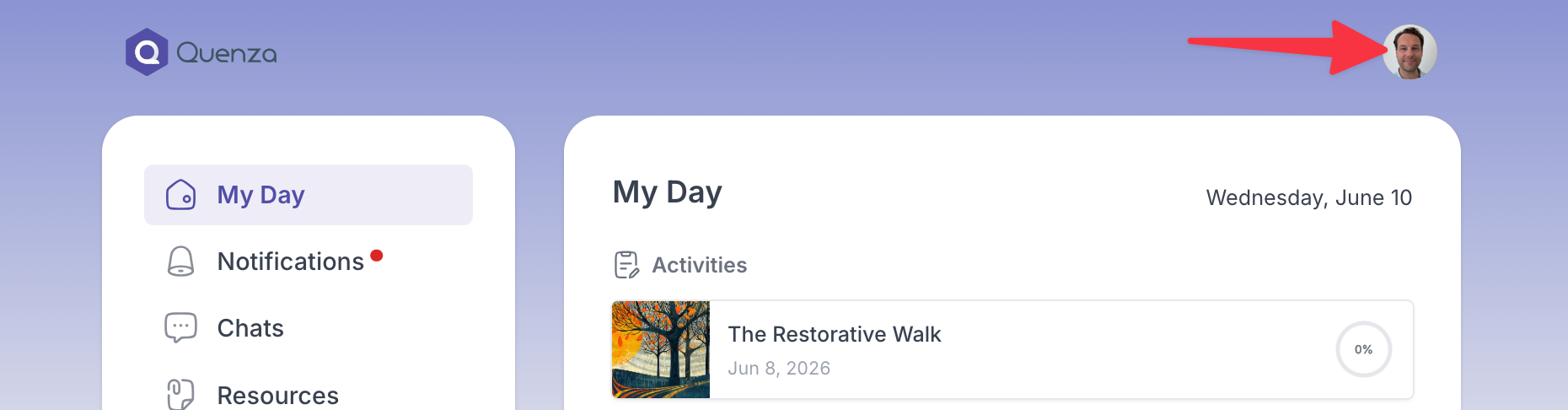
- Open My Profile from the menu.
- Update any of your details:
- profile picture
- first and last name
- gender
- timezone
- date of birth
- language
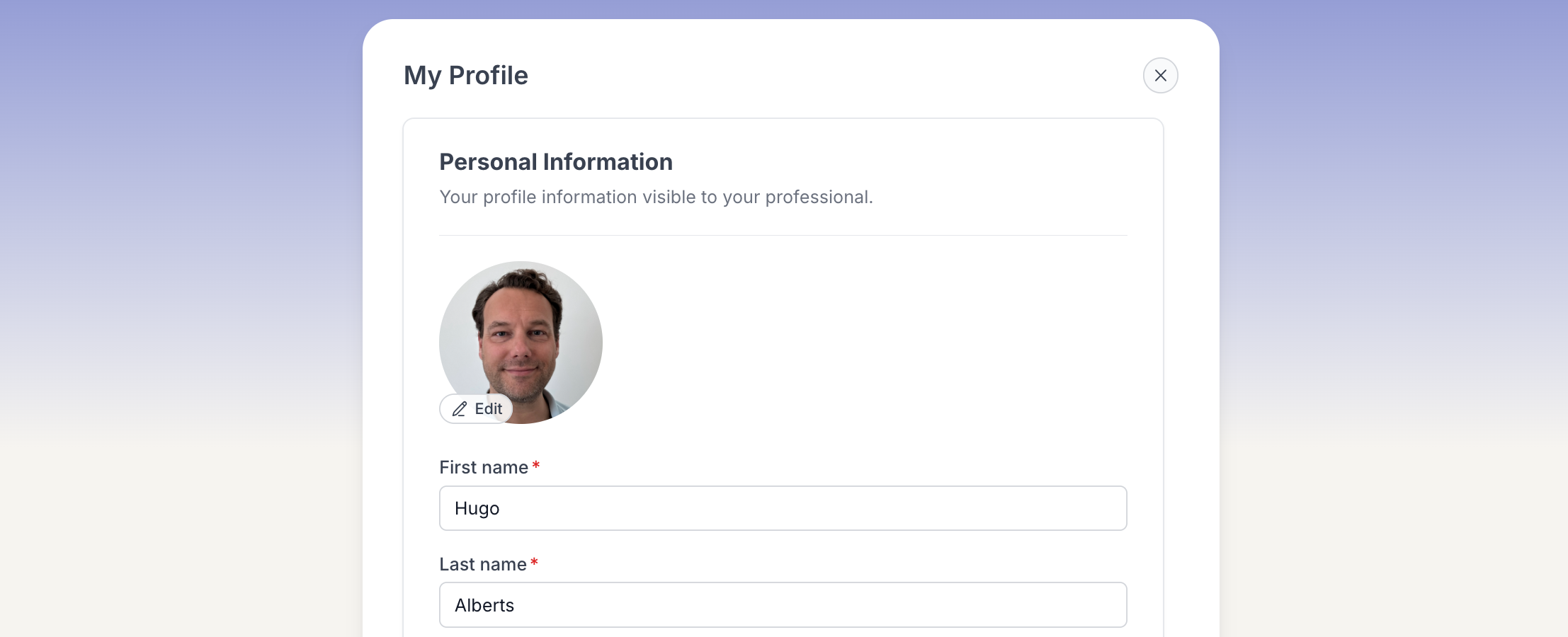
- Save your changes.
Your updated details are visible to your professional. Your email address, shown as the address they use to contact you, is managed separately.