
View Your Professional's Details
Curious who is on the other side of the screen? You can see your professional's details any time.
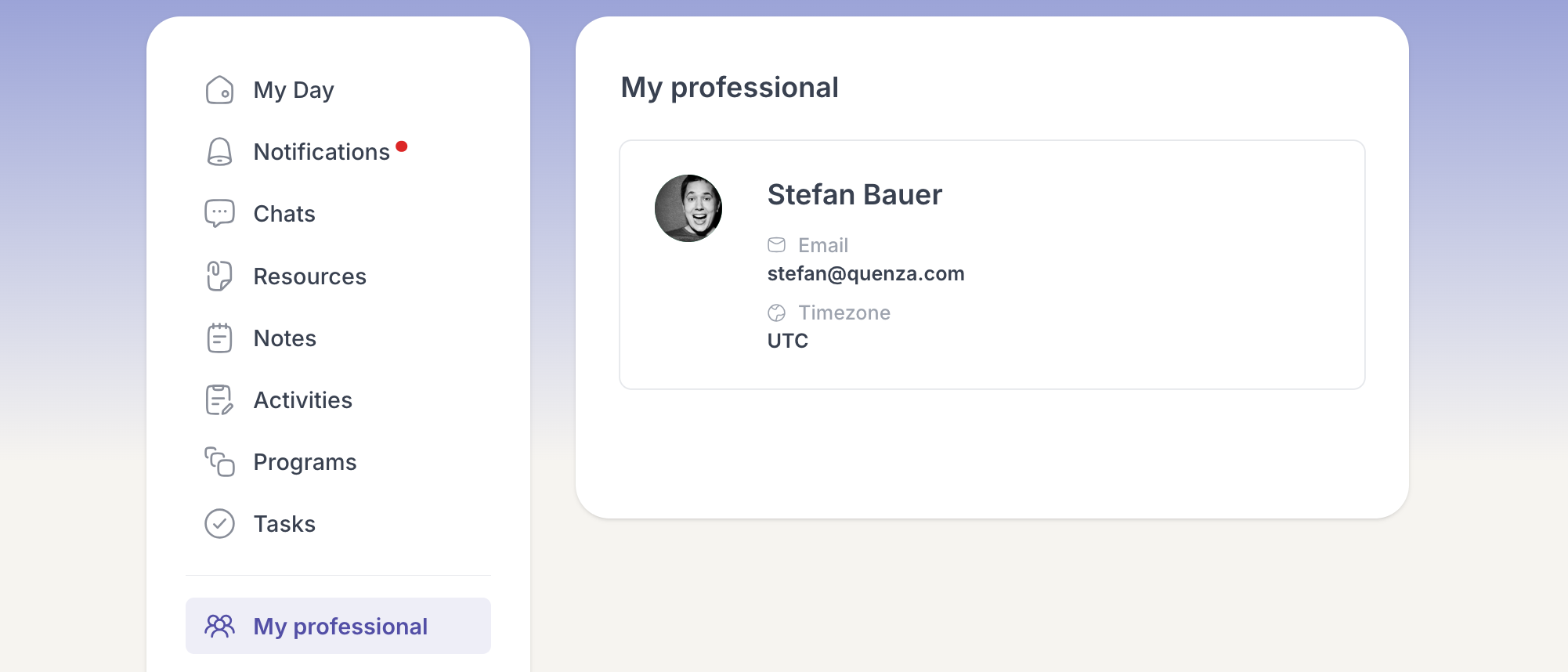
Open My professional from the menu to view their card, which shows:
- their photo and name
- their email address
- their timezone
It is a quick way to remind yourself who is supporting you in this workspace and how to reach them.