
Message Your Professional in Chat
Chat is your direct line to your professional, perfect for a quick question or a check-in between sessions.
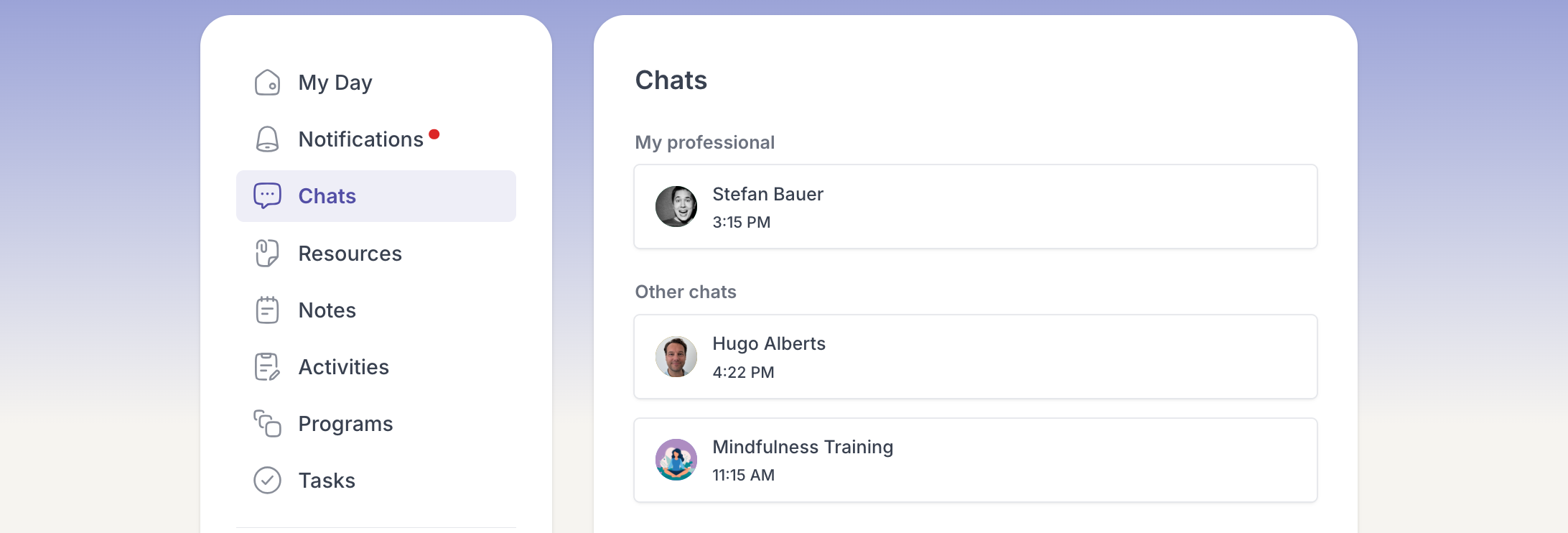
- Open Chats from the menu.
- Select the conversation with your professional, or start a new message.
- Type your message and send it.
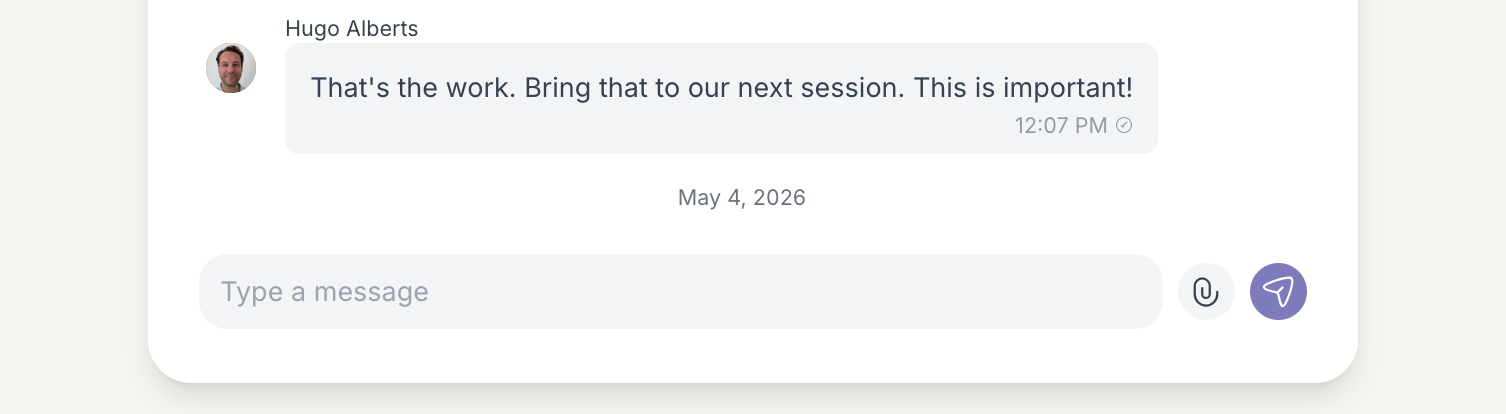
Your professional receives your message and can reply. If you are part of a group, you can also message everyone together in the group chat.