
Edit Your Profile
Your profile is what your clients and team members see, so it is worth keeping current. It only takes a moment.
- Click your workspace name at the top left, then click My settings.
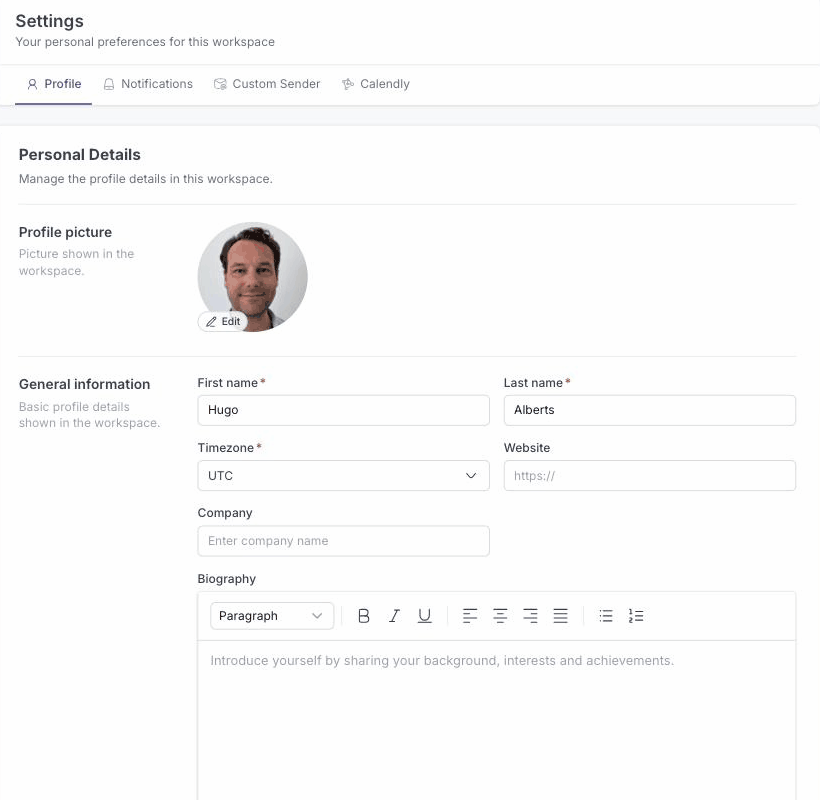
- On the Profile tab, update any of your details:
- profile picture
- first and last name
- timezone
- website
- company
- biography
- Click Save.
Your updated details appear across the workspace, including everywhere your clients and team members see your name and photo.