Accept Your Invitation and Sign In
Welcome aboard. When your professional adds you, you will receive an email invitation to join their Quenza workspace. Here is how to step inside.
- Open the invitation email from Quenza and click the link inside.
- Set a password for your account.
- Sign in to open the client portal.
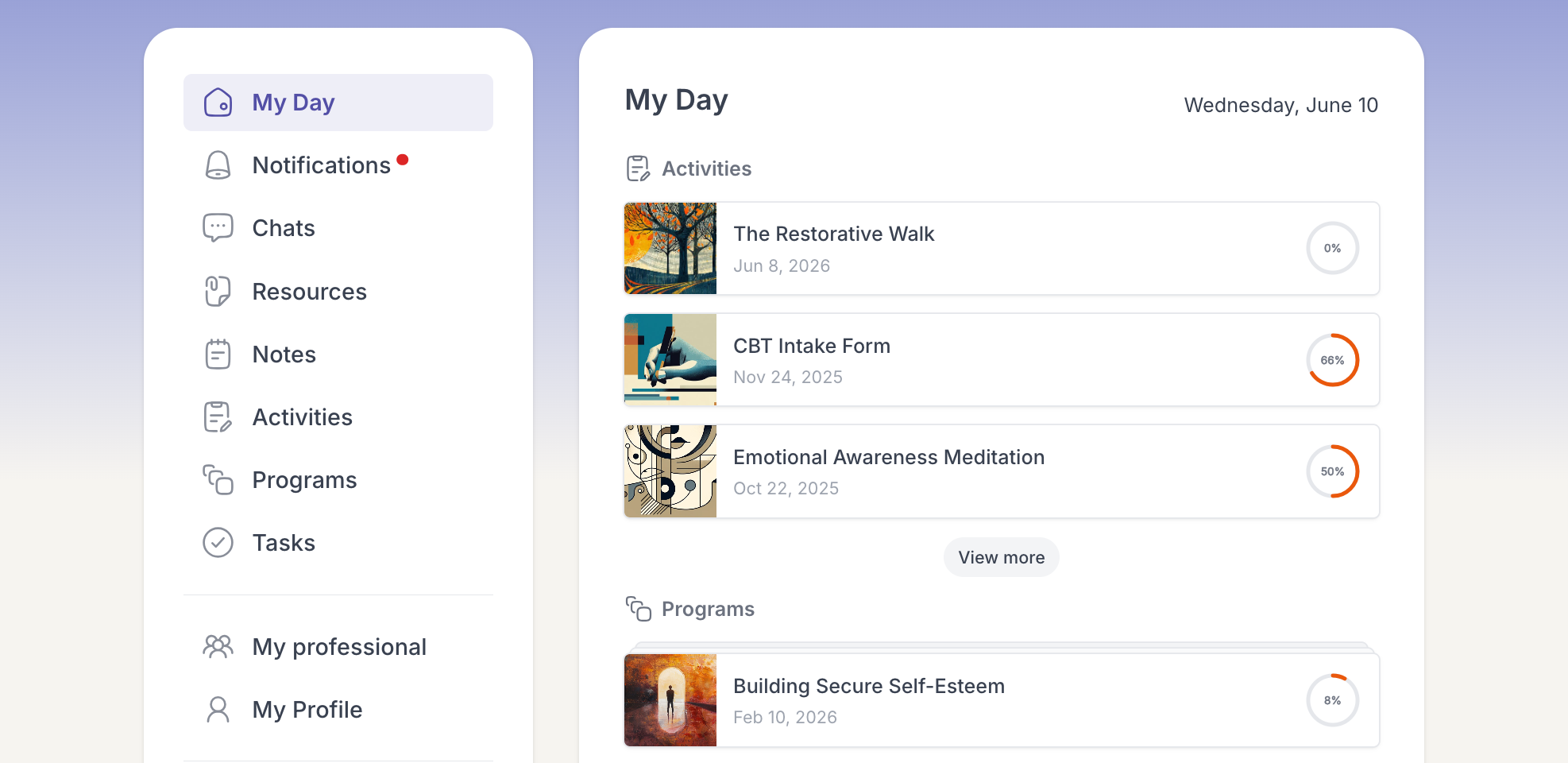
That is it. You land on your My Day page, where everything your professional has sent is waiting for you.