
Switch Between Workspaces
If you work with more than one professional or practice, you may belong to more than one workspace. Moving between them is easy.
- Open Workspaces from the menu.
- In the Switch workspace dialog, find the one you want and click Switch.
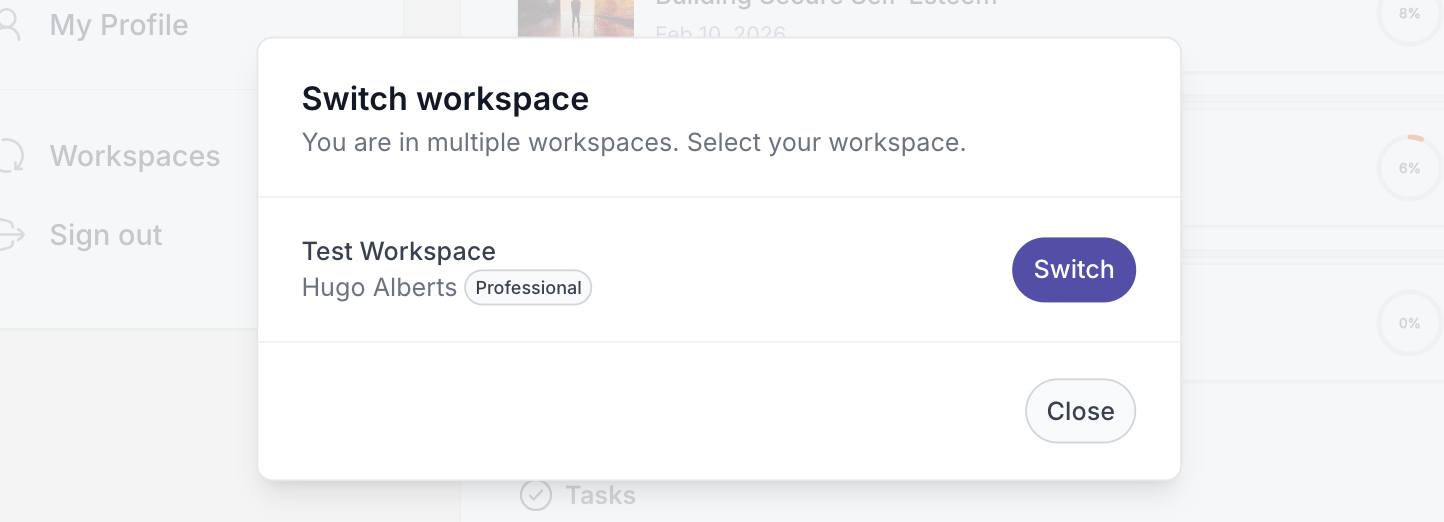
Quenza loads the workspace you chose, and you can switch back any time from the same menu.