
Check Your Notifications
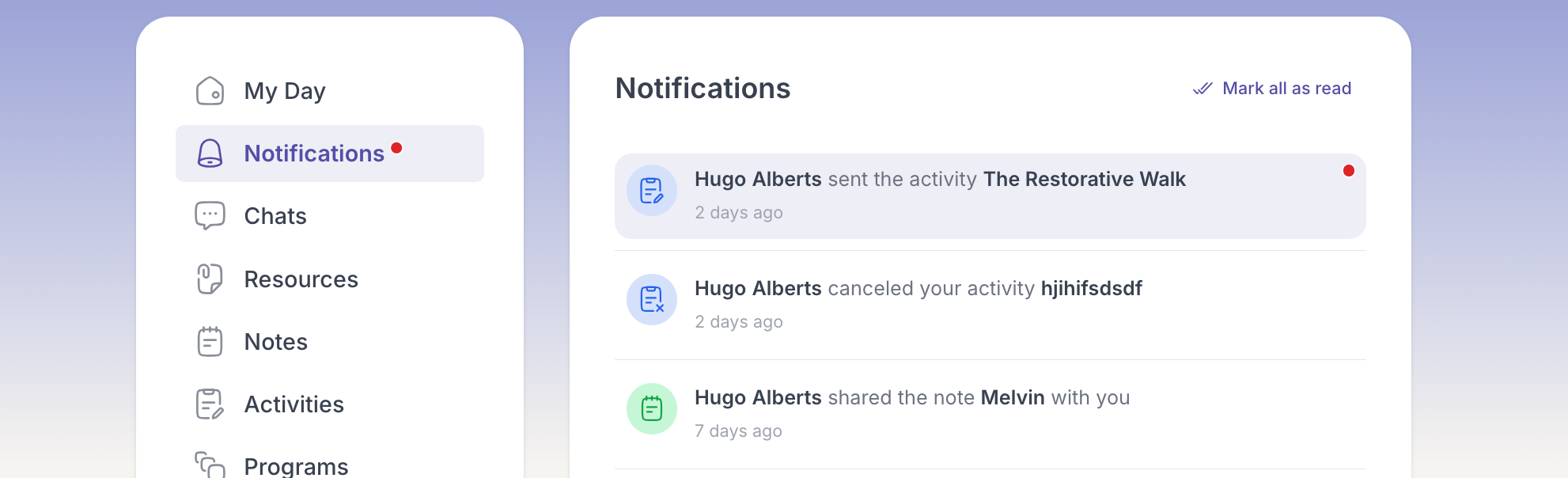
Notifications are how Quenza taps you on the shoulder when something new needs your attention, whether that is a fresh activity, a message, or a reminder.
- Open Notifications from the menu. A dot appears whenever there is something new.
- Scan the list and click any notification to jump straight to the item it is about.
That is all there is to it. You are caught up, and one click away from whatever your professional sent.