
Open Files and Links Shared With You
Anything your professional shares with you, whether a worksheet, a PDF, or a helpful link, lives in Resources so it is easy to find again.
- Open Resources from the menu.
- Click a file to download it, or click a link to open it in a new tab.
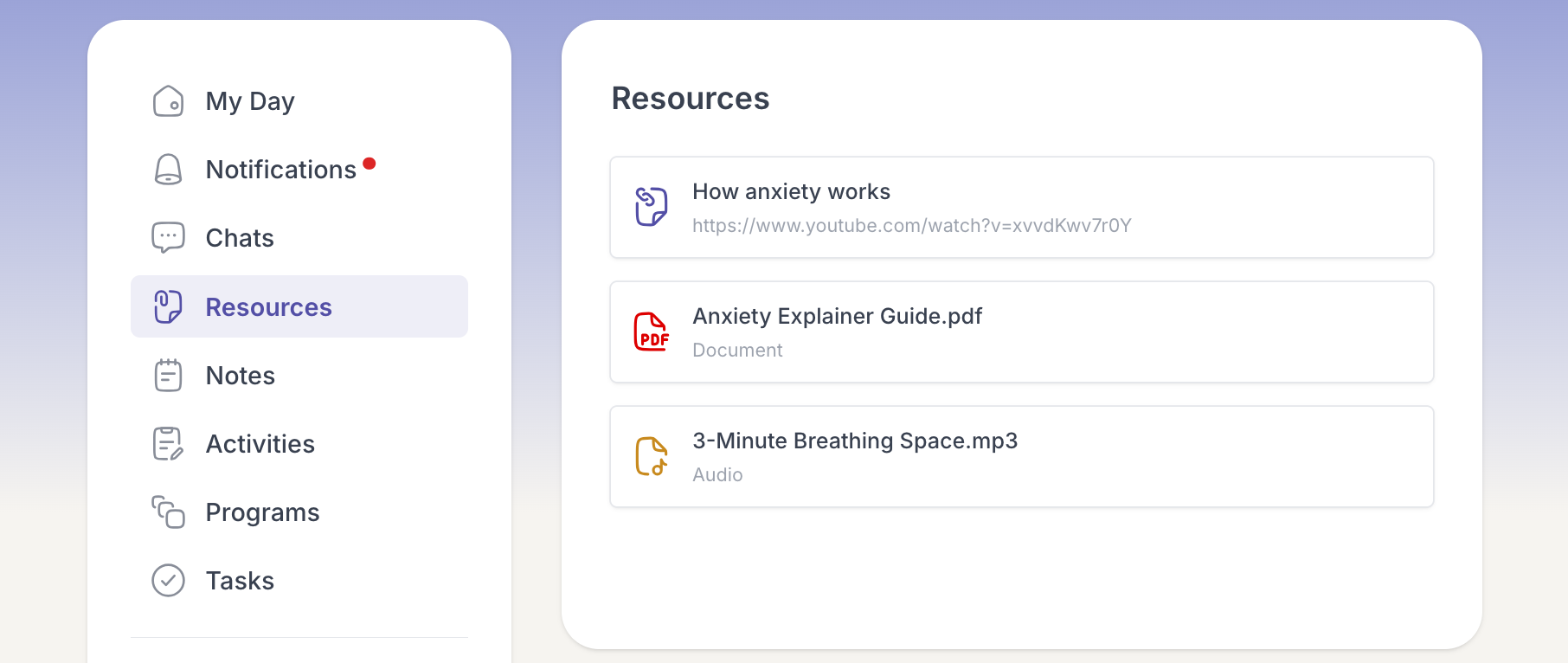
The file saves to your device, or the link opens. Everything stays in Resources, so you can come back to it whenever you need.