
Read and Comment on Notes Shared With You
Your professional can share notes with you, and you are welcome to reply right on the note with a comment.
- Open Notes from the menu, then open a note to read it.
- To respond, add a comment in the note's comment field.
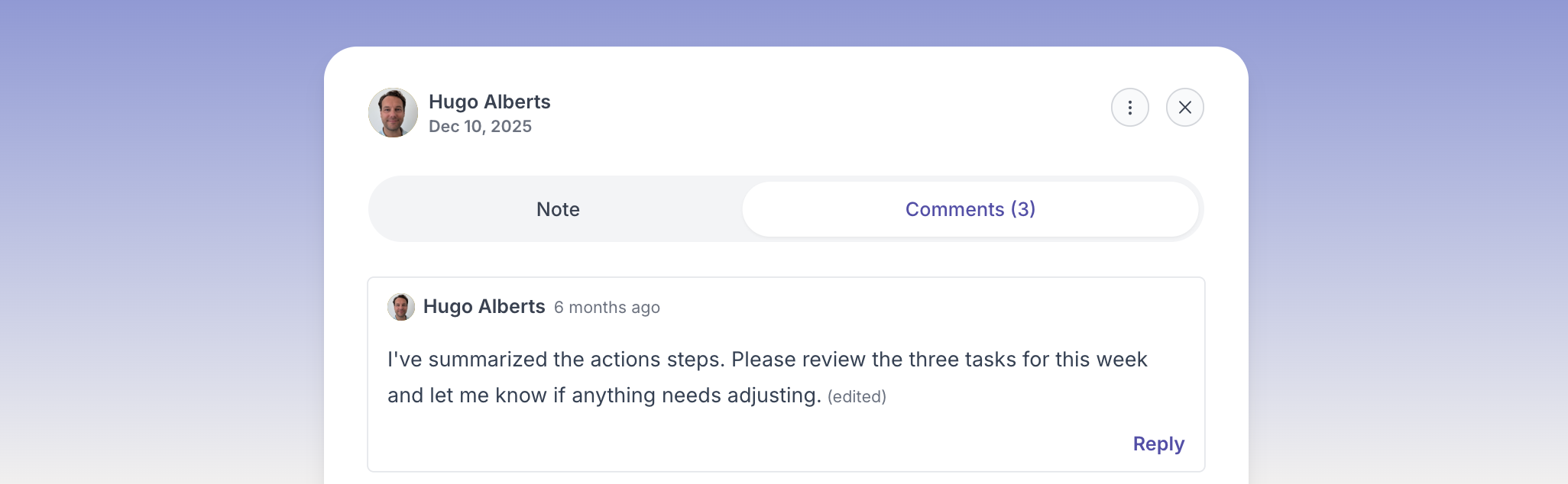
Your comment is added to the note, and your professional can see it and reply.