
Complete a Task
Tasks are the small to-dos your professional sets for you, the little things to tick off between sessions.
- Find your tasks on My Day or the Tasks page.
- When you finish one, click the circle next to it to mark it done. Completed tasks move to a Completed list.
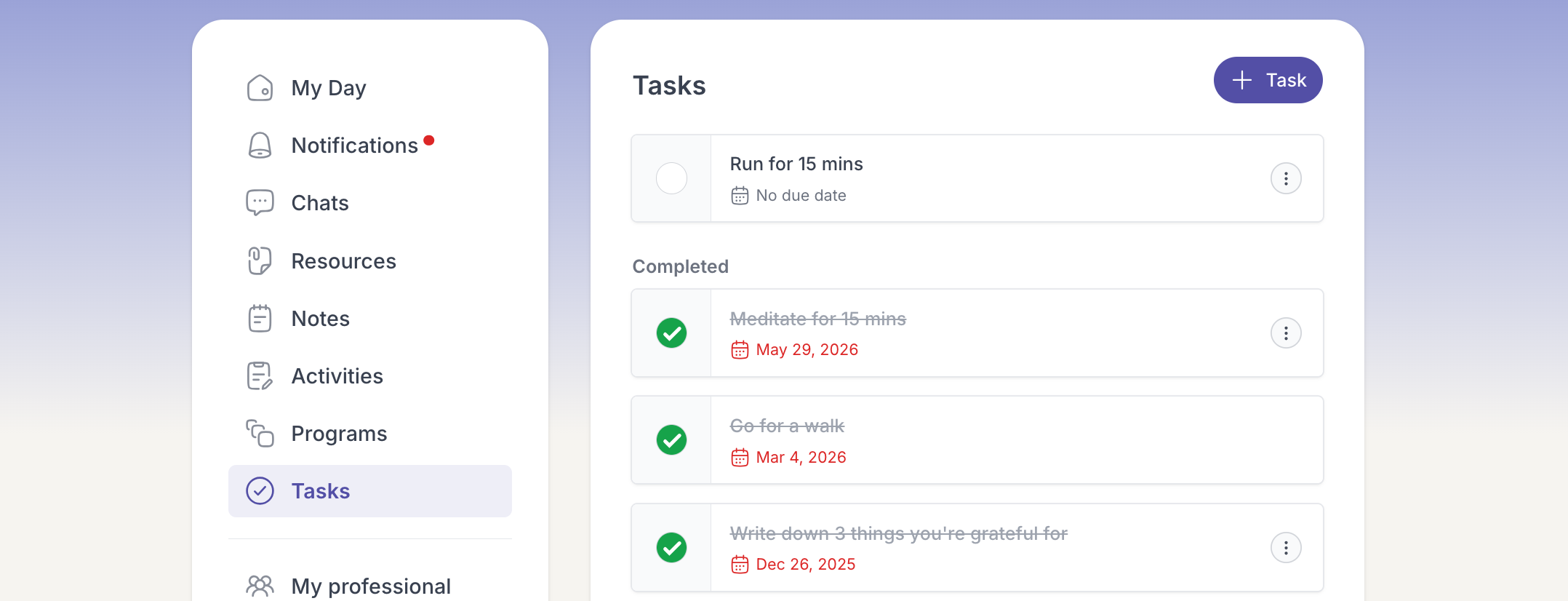
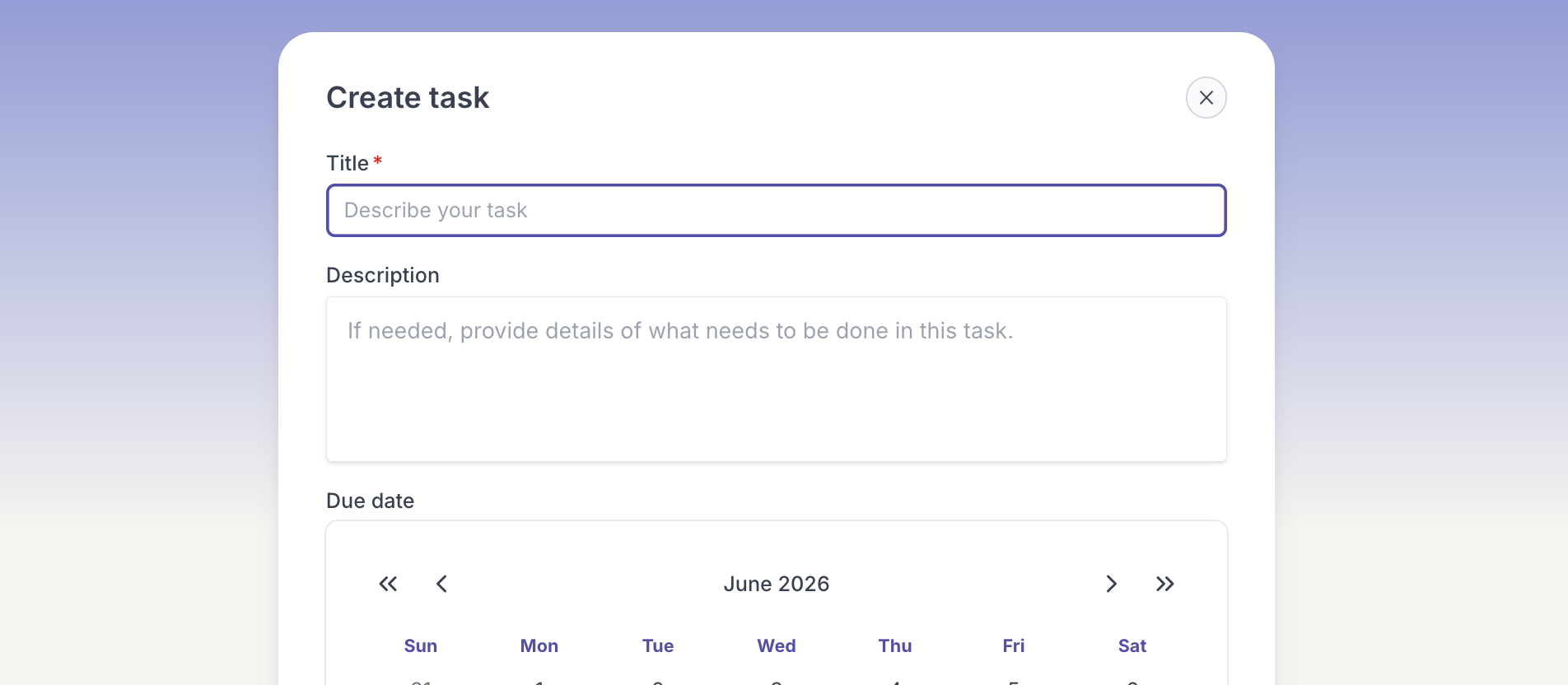
- Want to track something of your own? Add a task with the + Task button.
The task is checked off and moves to your completed list, and your professional can see what you have finished.