
Set or Change Your PIN
A PIN locks your workspace after a period of inactivity, a handy extra layer if you step away from your screen. You can set one, change it, or turn it off.
- Click your workspace name at the top left, then click My account.
- Open the Security tab.
- In the PIN section, turn on Activate PIN, enter a 4-digit code, and click Update PIN. To switch the lock off, turn Activate PIN off and click Update PIN.
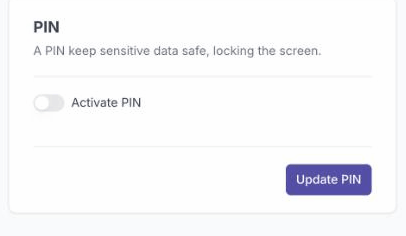
With a PIN set, your workspace locks after a period of inactivity and reopens with your code. With it turned off, the workspace no longer locks.