
Complete an Activity
When your professional sends you an activity, it is ready for you to open and work through at your own pace. Here is how it goes.
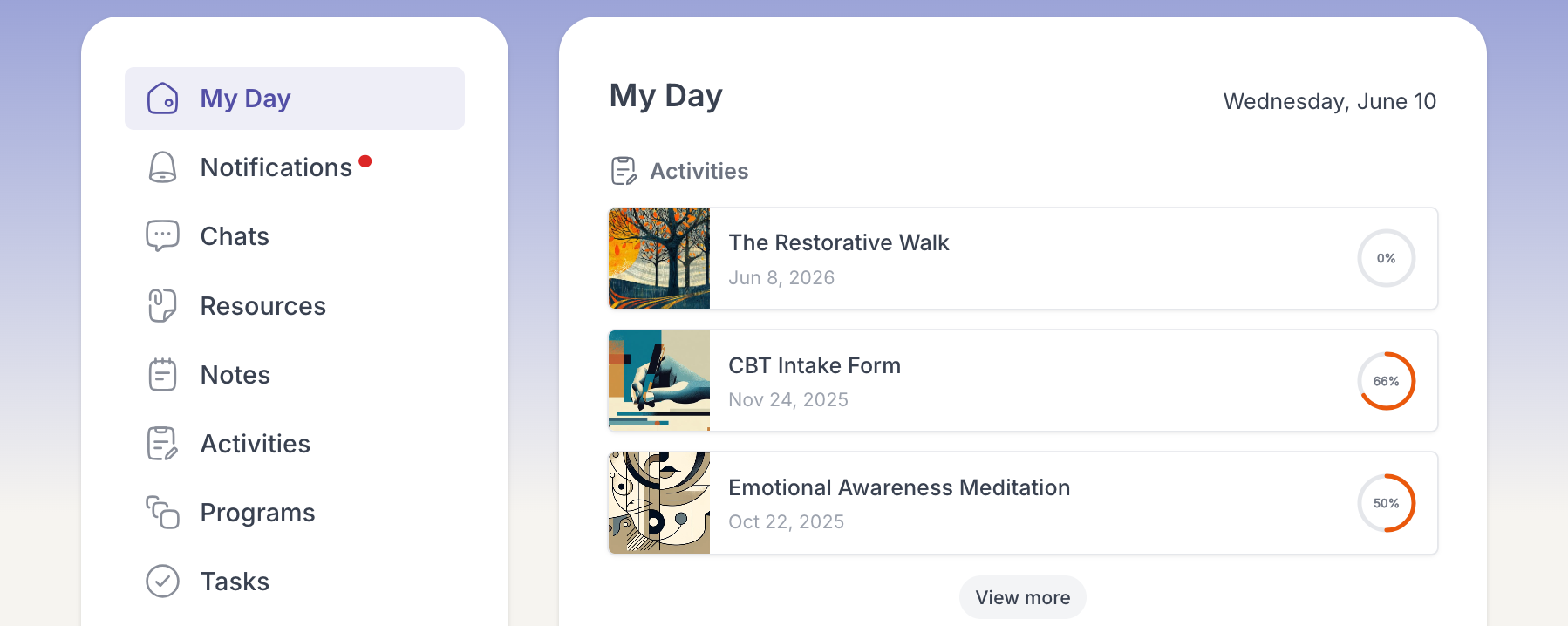
- On My Day or the Activities page, open the activity you want to do.
- Read each step and click Next to move forward, answering any questions as you go.
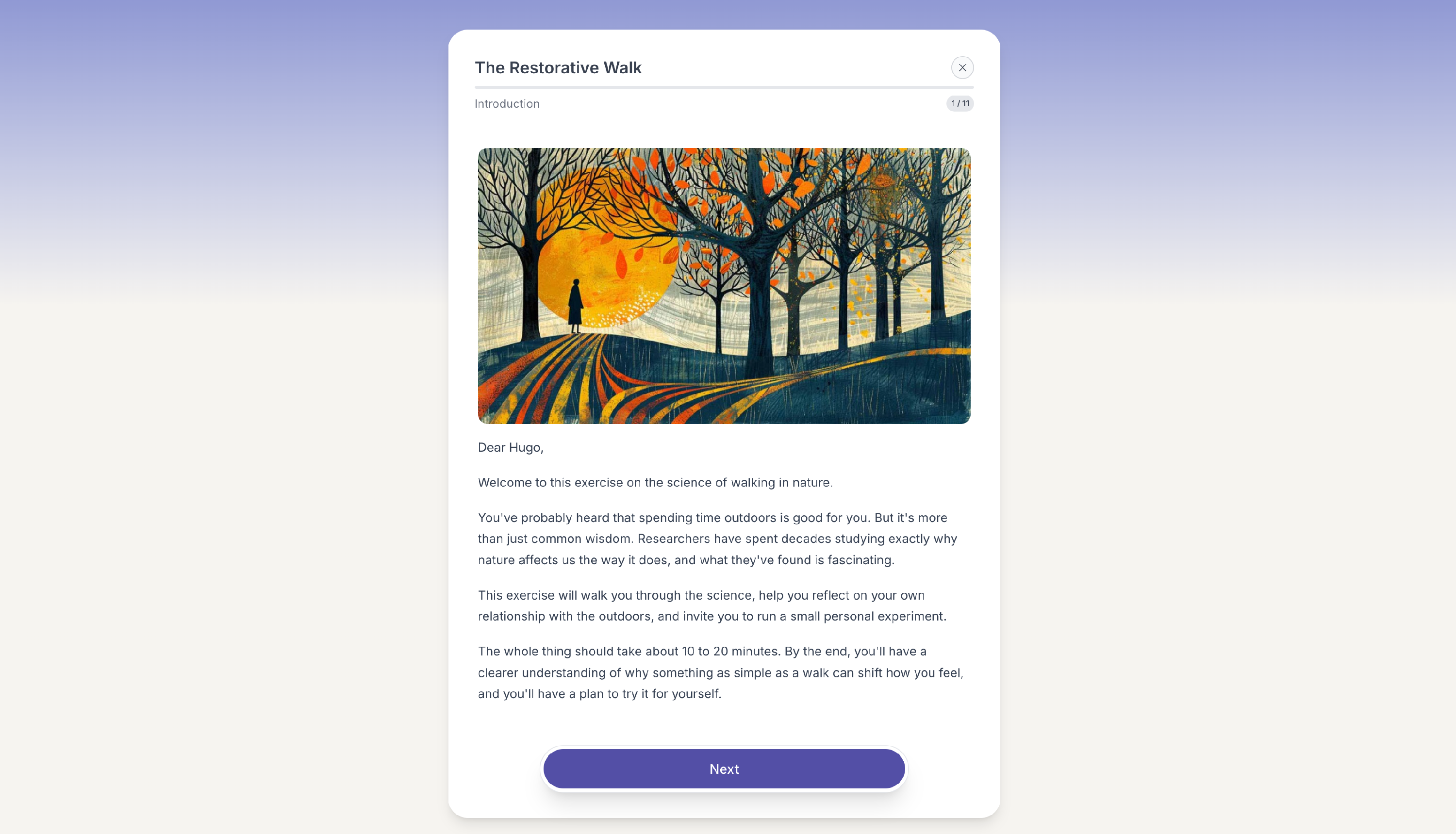
- Keep going until you reach the end. The activity is complete once you finish the last step.
Your progress shows as a percentage and the activity is marked complete. If your professional chose to share results, they can see your responses. Changed your mind later? You can reopen a completed activity and update your answers, and your professional is notified when you do.