
View and Download Invoices
All your past Quenza invoices are a couple of clicks away, and you can download any of them as a PDF.
Billing is available to Owner, Manager, and Billing Manager members.
- In the sidebar under Administration, click Billing.
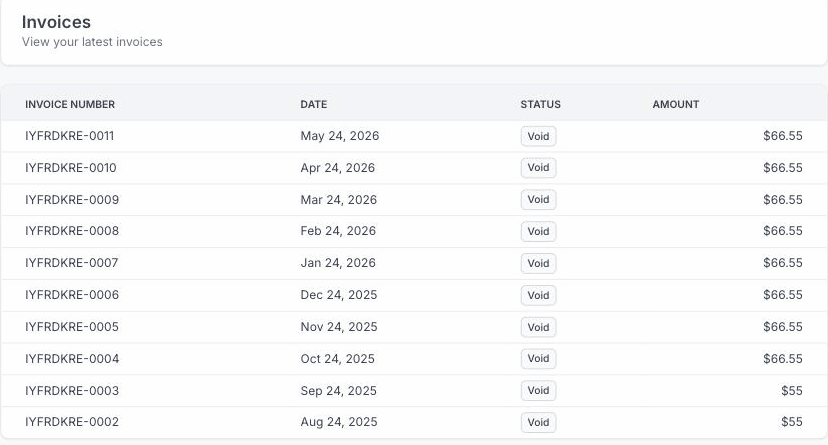
- Open the Invoices tab. Each row shows the invoice number, date, status, and amount.
- Click an invoice to open its hosted page in a new tab, where you can view the full invoice and download it as a PDF.
The invoice opens on its secure hosted page, ready to download or print for your records.