
Assign Professionals to a Client
You can give another professional in your workspace access to a client by assigning them on the client's profile.
Owners, Managers, and Members can assign professionals. Billing Managers cannot, since they only have access to billing.
- Open the client's profile and stay on the Details tab.
- In the Assigned professionals card, click the edit icon.
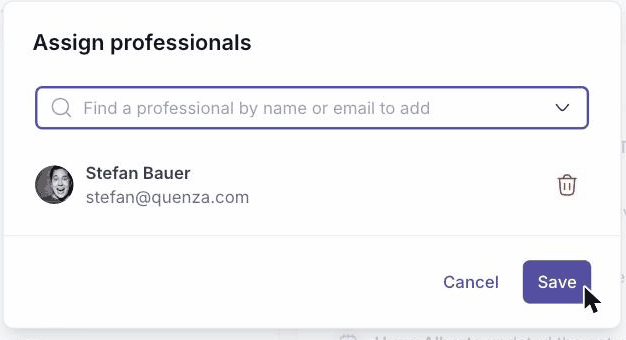
- In the dialog, use Find a professional by name or email to search for and select your colleague. To unassign someone, click the trash icon next to their name.
- Click Save.
The assigned professionals can now see and work with this client. They appear in the Assigned professionals card and in the Professionals column of your client list.